With recent Google Chrome versions, there is no checkbox "Remember my choice". Google Chrome will ask about Imagys Connector each time the login process starts, and each time a new upload is initiated.
Below is a step-by-step workaround to configure Google Chrome to always accept Imagys Connector to be opened.
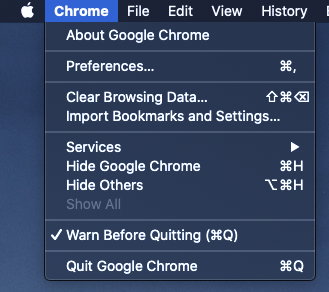
Close all opened Google Chrome Windows, using Google Chrome menu "Quit Google Chrome".
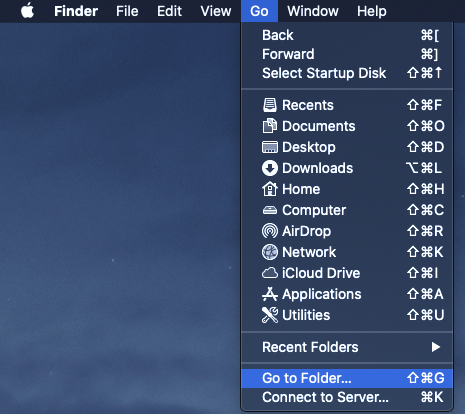
Open Apple "Finder" application, and in the "Go" menu, click on "Go to Folder"
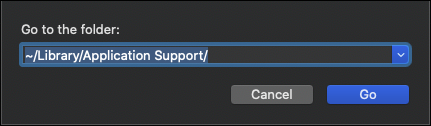
The default choice should be "~/Library/Application Support/". Click on Go. Otherwise, change the location to "~/Library/Application Support/" and click on Go
Enter the following folders once you are in "Application Support":
- Google
- Chrome
- Default
- Chrome
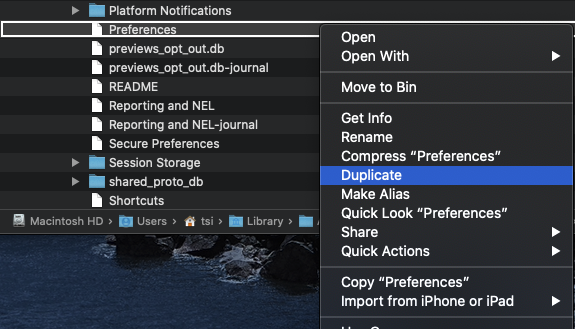
Locate the file named "Preferences" and make a duplicate (backup copy) of the file
Using TextEdit, edit the original "Preferences" file
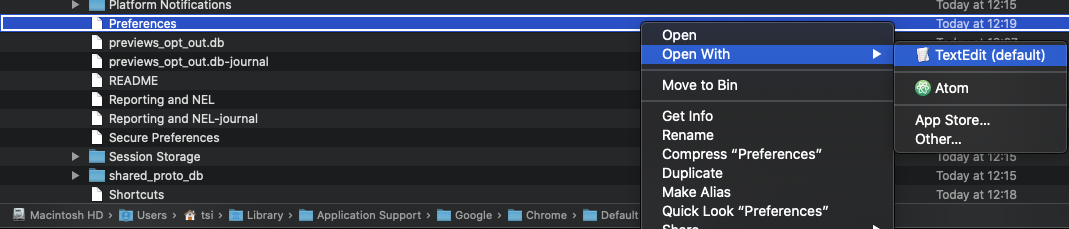
Go to the end of the document, and put the following code before the final bracket
,"protocol_handler":{"excluded_schemes":{"ims":false}}Original file end:

Modified file end:

Save and quit TextEdit.